

How to program a 3D vision robot?
Sep 29, 2025
Leave a message
Hey there! As a supplier of 3D Vision Robots, I'm super stoked to share with you how to program one of these bad boys. 3D vision robots are pretty amazing pieces of tech. They can "see" the world in three dimensions, which gives them a huge edge in all sorts of industrial applications. Whether it's picking and placing objects, quality control, or even complex assembly tasks, these robots can handle it like a pro.
Understanding the Basics of 3D Vision Robots
Before we dive into programming, let's quickly go over what makes a 3D vision robot tick. At its core, a 3D vision robot combines a robotic arm with a 3D vision system. The 3D vision system uses cameras, lasers, or other sensors to capture the shape, position, and orientation of objects in the robot's workspace. The robotic arm then uses this information to interact with the objects in a precise and efficient manner.
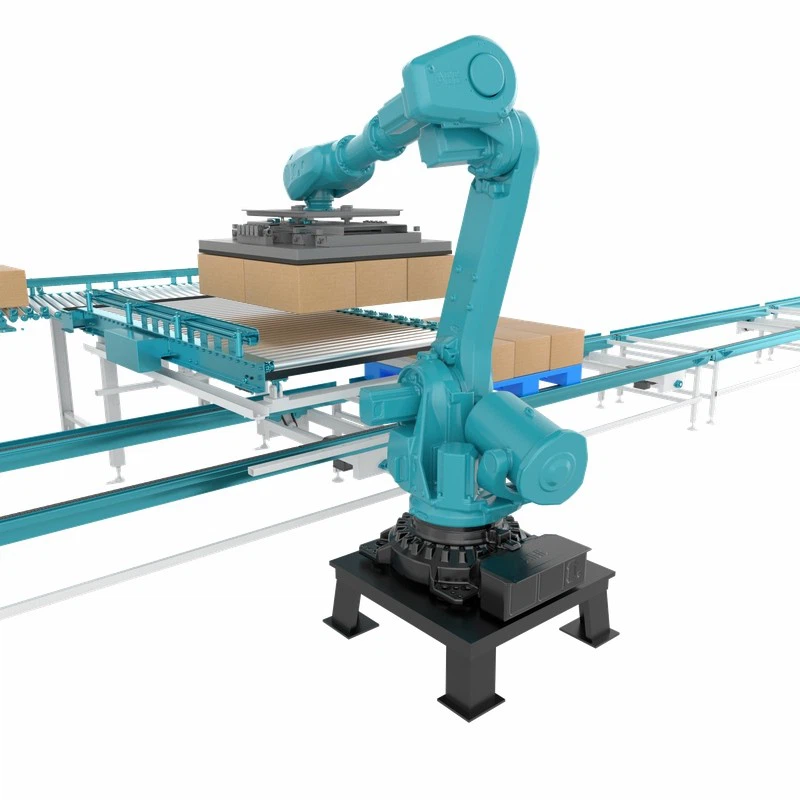
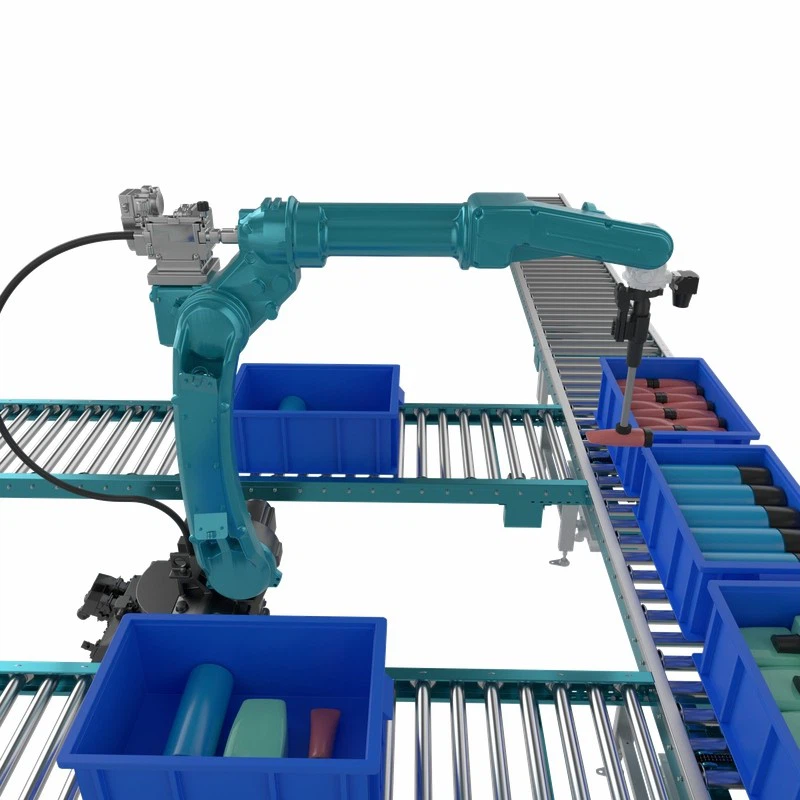
There are different types of 3D vision robots out there. For example, the Cantilever Robot is great for applications where you need a long reach and a high degree of flexibility. On the other hand, the Palletizing Robot is designed specifically for stacking products onto pallets, making it a key player in the logistics and warehousing industries. And of course, our star of the show, the 3D Vision Robot, which brings the power of 3D vision to a wide range of tasks.
Step 1: Choose the Right Programming Language
The first step in programming a 3D vision robot is to choose the right programming language. There are several options available, each with its own pros and cons.
- Python: This is a popular choice among programmers because it's easy to learn and has a large number of libraries and frameworks available. Python is great for quickly prototyping robot programs and integrating with other software systems.
- Java: Java is a more traditional programming language that's known for its stability and scalability. It's often used in enterprise-level applications and is a good choice if you need to develop a large and complex robot program.
- C++: C++ is a high-performance programming language that's commonly used in robotics because it allows for low-level control of the robot's hardware. If you're looking to optimize the performance of your robot program, C++ might be the way to go.
Step 2: Set Up the Development Environment
Once you've chosen your programming language, the next step is to set up the development environment. This typically involves installing the necessary software tools and libraries.
- Integrated Development Environment (IDE): An IDE is a software application that provides a comprehensive set of tools for writing, debugging, and testing your robot program. Some popular IDEs for robotics programming include PyCharm for Python, Eclipse for Java, and Visual Studio for C++.
- Robot Operating System (ROS): ROS is an open-source framework that provides a set of tools and libraries for developing robot software. It's widely used in the robotics community and makes it easier to integrate different components of your robot system, such as the 3D vision system and the robotic arm.
Step 3: Understand the 3D Vision System
To program a 3D vision robot effectively, you need to have a good understanding of how the 3D vision system works. This involves learning about the different types of sensors used in the system, how they capture 3D data, and how to process this data to extract useful information.
- Sensors: The most common sensors used in 3D vision systems are cameras and lasers. Cameras can capture color and texture information, while lasers are used to measure the distance between the sensor and the objects in the scene.
- Data Processing: Once the 3D data is captured by the sensors, it needs to be processed to extract information such as the position, orientation, and shape of the objects. This typically involves using algorithms such as point cloud processing, object recognition, and pose estimation.
Step 4: Program the Robotic Arm
Now that you have a good understanding of the 3D vision system, it's time to start programming the robotic arm. This involves writing code to control the movement of the arm based on the information provided by the 3D vision system.
- Motion Planning: Motion planning is the process of determining the optimal path for the robotic arm to move from its current position to the target position. There are several algorithms available for motion planning, such as A* search, Rapidly-exploring Random Trees (RRT), and Probabilistic Roadmaps (PRM).
- Inverse Kinematics: Inverse kinematics is the process of calculating the joint angles of the robotic arm based on the desired position and orientation of the end effector. This is an important step in programming the robotic arm because it allows you to control the movement of the arm in a precise and efficient manner.
Step 5: Integrate the 3D Vision System and the Robotic Arm
The final step in programming a 3D vision robot is to integrate the 3D vision system and the robotic arm. This involves writing code to communicate between the two systems and ensure that the robotic arm can accurately interact with the objects in the scene based on the information provided by the 3D vision system.
- Communication Protocols: There are several communication protocols available for integrating the 3D vision system and the robotic arm, such as TCP/IP, UDP, and Modbus. You need to choose the protocol that best suits your application and ensure that both systems are configured to use the same protocol.
- Testing and Debugging: Once the integration is complete, it's important to test the robot program thoroughly to ensure that it works as expected. This involves running the program in a simulated environment and then testing it on a real robot. If any issues are found, you need to debug the program and make the necessary changes.
Tips and Tricks for Programming 3D Vision Robots
- Start Small: When you're first starting out, it's a good idea to start with a simple robot program and gradually add more complexity as you gain more experience.
- Use Simulation Tools: Simulation tools can be a great way to test your robot program without having to use a real robot. This can save you time and money and allow you to experiment with different algorithms and strategies.
- Join the Robotics Community: There are many online communities and forums where you can connect with other robotics programmers and learn from their experiences. Joining these communities can be a great way to stay up-to-date with the latest trends and technologies in robotics.
Conclusion
Programming a 3D vision robot can be a challenging but rewarding experience. By following the steps outlined in this blog post and using the tips and tricks provided, you can develop a robot program that can perform a wide range of tasks with precision and efficiency.
If you're interested in purchasing a 3D vision robot or have any questions about programming them, don't hesitate to reach out. We're here to help you make the most of this amazing technology and take your business to the next level.
References
- Siciliano, B., & Khatib, O. (Eds.). (2016). Springer handbook of robotics. Springer.
- Thrun, S., Burgard, W., & Fox, D. (2005). Probabilistic robotics. MIT press.